Interactive Simulations
Explore complex systems, emergent behavior, and economic models through real-time, interactive computational simulations.
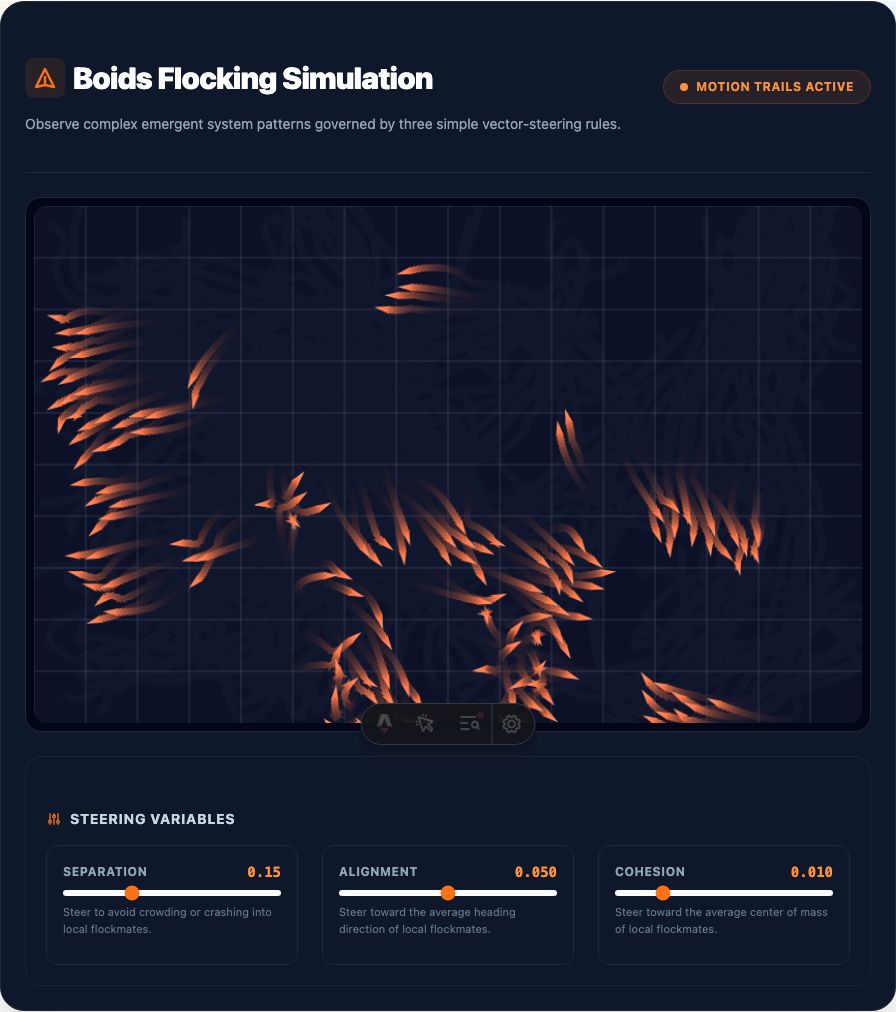
Boids Flocking
Observe emergent complexity through three simple rules: Separation, Alignment, and Cohesion. Adjust steering vectors in real-time to guide the flock.
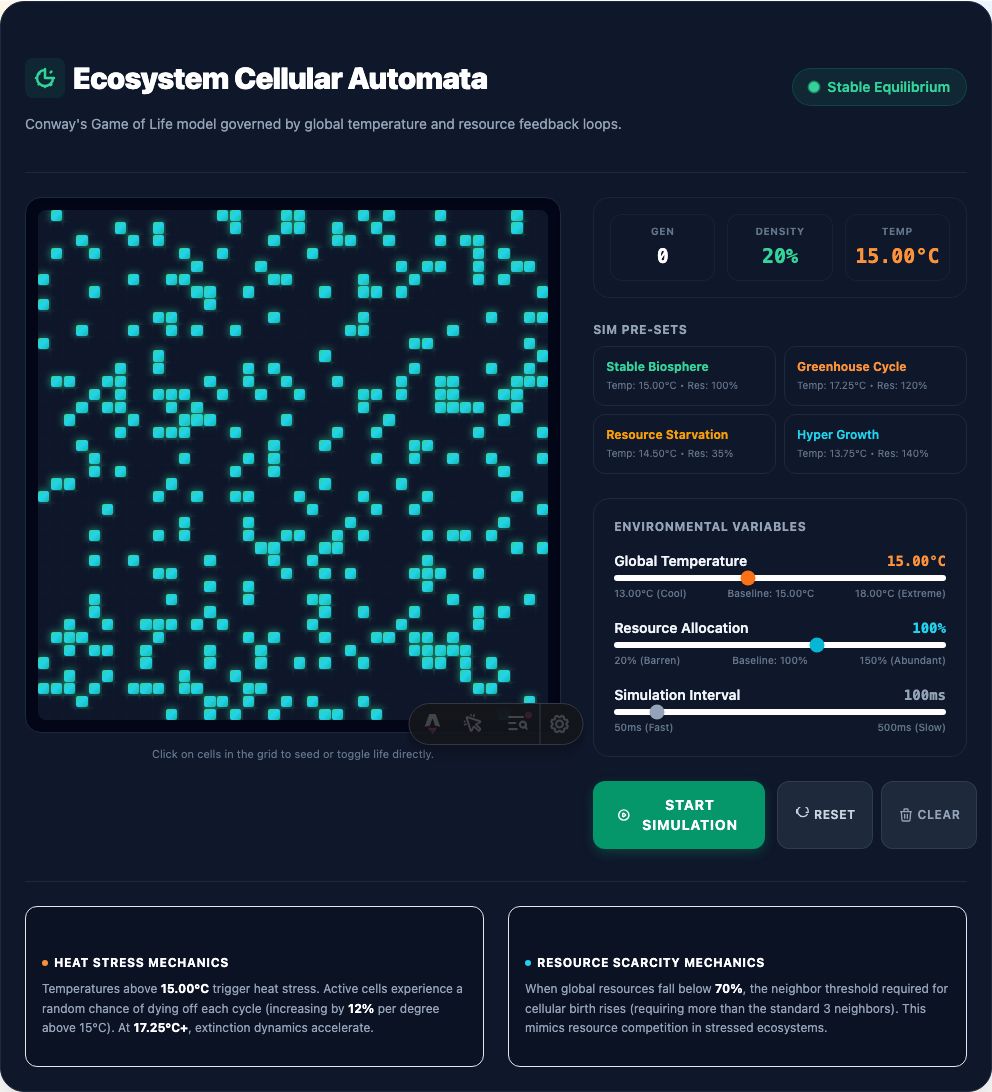
Ecosystem Cellular Automata
A modified Conway's Game of Life simulation demonstrating non-linear feedback loops. Test systemic thresholds under varying temperature and resource stress.

Housing Market Simulation
Interact with a macroeconomic model simulating regional listing volumes, inventory level indices, foreclosure rates, and market pricing dynamics.
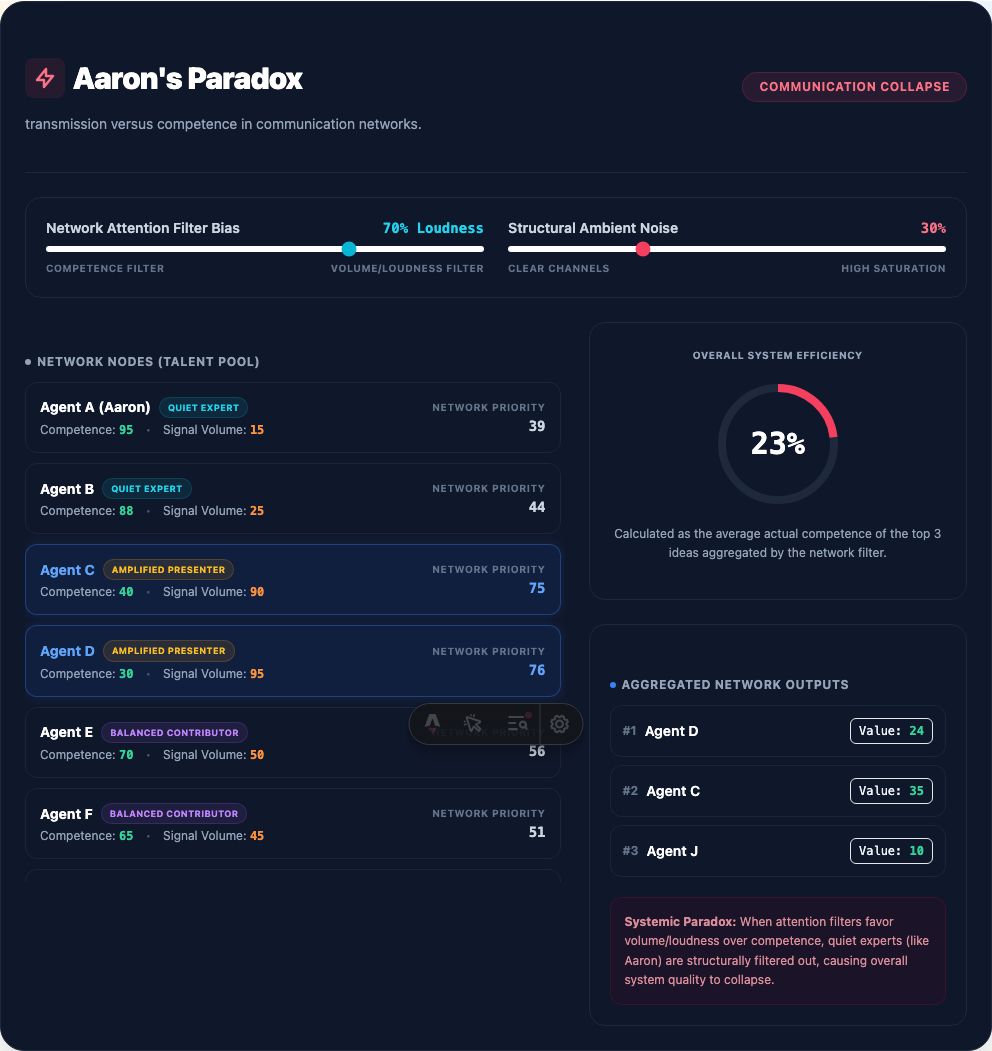
Aaron's Divergence
When Cadence Overtakes Competence: The precise threshold where a node's transmission frequency completely decouples from its empirical validity.
🛠️
Reference for Installing JavaScript & React
Collapsed by default, available when you need the setup details.
Reference for Installing JavaScript & React
Collapsed by default, available when you need the setup details.
1. Reference for Installing JavaScript (Node.js & npm)
JavaScript requires a runtime environment to execute outside the browser. Installing Node.js provides both the JS engine and npm (Node Package Manager) — JavaScript's counterpart to Python's pip.
- Official Downloads: nodejs.org — Download Node.js (LTS Version)
- macOS (Homebrew):
brew install node - Windows (winget):
winget install OpenJS.NodeJS.LTS - Linux / macOS (nvm):
nvm install --lts(nvm GitHub)
2. Reference for Installing & Learning React
React is a UI library built on top of JavaScript. Learn from the official documentation or scaffold a project in seconds.
- Official React Docs: react.dev — Official React Documentation
- Scaffold Project (Vite):
npm create vite@latest my-app -- --template react-ts - Install & Launch:
cd my-app && npm install && npm run dev
Getting Started with React as a Python User
All the interactive applets in this gallery are powered client-side by React components embedded inside Astro. If your background is in Python, React is easy to pick up when mapped to Python paradigms.
UI as Pure Functions
In Python, functions process data and return results. In React, components are functions that take props (kwargs) and return UI markup (JSX).
Reactive State
Updating a Python variable doesn't update the UI. useState() creates reactive variables that automatically re-render the view when modified.
Dynamic Layouts
JSX combines HTML with JS expressions inside { curly braces }, behaving much like Python f"{expr}" or Jinja2 template tags.
Side Effects & Loops
Equivalent to Python event loops or property listeners. useEffect() runs code in response to state changes or canvas animation frames.
// 1. Python Concept: State class with a method
# class Counter: count = 0; def increment(self): self.count += 1

// 2. React Equivalent Component:
import React, { useState } from 'react';

export default function InteractiveCounter({ initial = 0 }) {
  const [count, setCount] = useState(initial);

  return (
    <button onClick={() => setCount(count + 1)}>
      Count is {count}
    </button>
  );
}
Quickstart Instructions for Python Users
- Install JavaScript Environment: Install Node.js & npm (see installation reference below) so you have access to
nodeandnpxin your terminal. - Initialize React Project: Run
npx create-vite my-app --template react-tsin your terminal. - Think in State: Instead of modifying DOM nodes manually, define state variables using
useStateand let React update the view. - Pair with Python Backends: Connect your React frontend to Python APIs (FastAPI, Flask, or Django REST Framework) for high-performance interactive web applets!